10Steps
Volume, in detents
Hover the dial and it stretches into a scale with the level at its end.
A skin for Video.js 10
A video player machined like a lens. Controls you already know how to read.
The ring above follows the player’s speed. Change it with the 1× button, or press < >.
Wing It! (CC) Blender Foundation | studio.blender.org, CC BY 4.0. Streamed from Mux.
01The controls
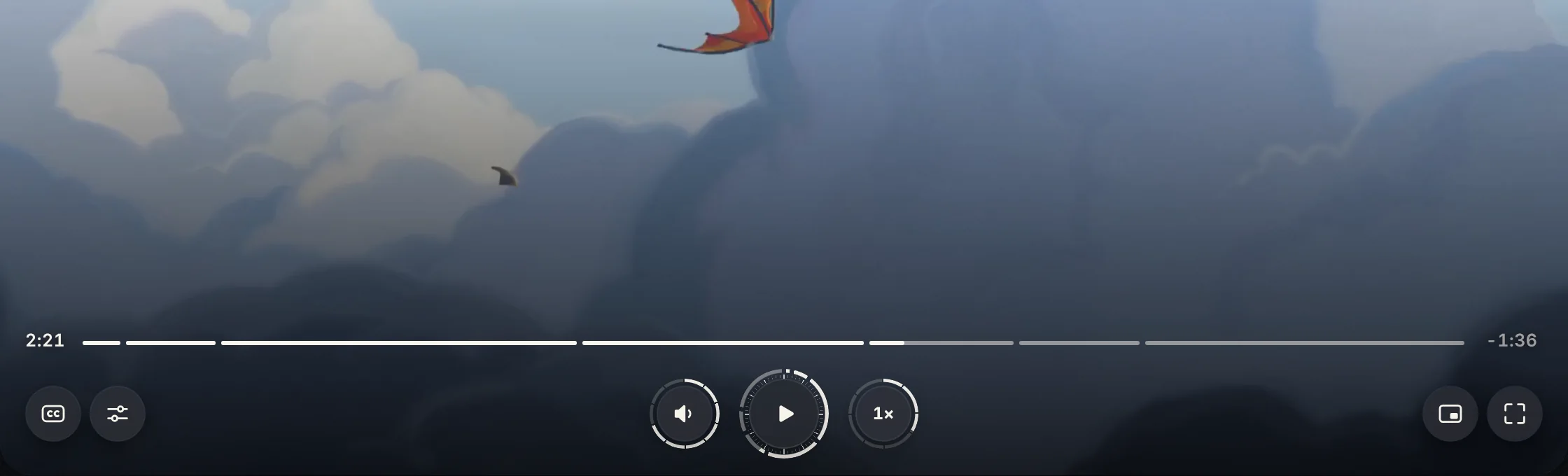
Play, timeline, volume and speed sit where you expect them. Each one shows its own state on its face, so you can read the player at a glance without opening anything.
02Fits any site
The controls sit on dark frosted surfaces, so they stay readable over any video. A site changes one color and one corner radius, and every part of the player follows. Try it below.
Site
Device
Accent
Corner radius
03Every state
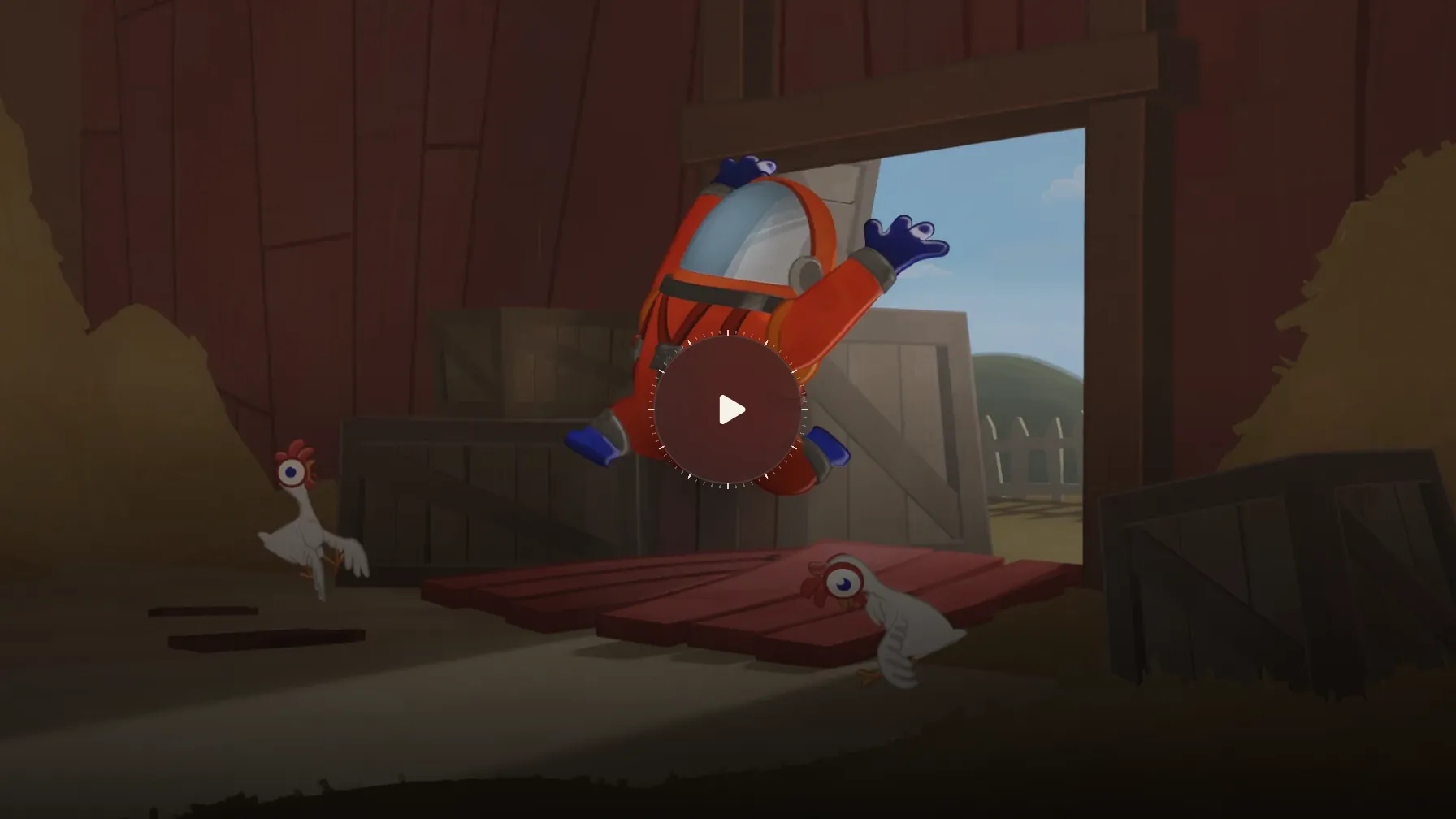
From the first frame to the last, with a mouse, a keyboard or a thumb. Here are all 25 states, captured from the real player. Scroll the list, or pick one.
04Design thinking
A watch says a lot in a small, round space. Iris works the same way, borrowing from a camera lens and a watch. Four numbers explain most of it.
10Steps
Hover the dial and it stretches into a scale with the level at its end.
7Speeds · one move
Seven round keys roll out of the speed dial. Not a button pressed six times.
0Repeats
Rows appear only when there is a real choice. Nothing repeats a key already on screen.
25States
Loading, errors, captions, phones. Dark frosted surfaces keep each one readable.
05Specifications
Every size in Iris is a multiple of --media-scale-unit, written u below. Change that one value and the whole player scales, from a small embed to full screen.
Drawing 01Control row, to scale
1u =
--media-scale-unit, 16 px unless you set itSizes step up at player widths of 1200, 1600 and 1920 px--media-accent-color--media-accent-text-color--media-border-color--media-border-radius--media-font-family--media-scale-unit--media-object-fit--media-object-position06Accessibility
Iris covers every point in the challenge’s accessibility guide, and an automated WCAG 2.1 AA check finds nothing to fix.
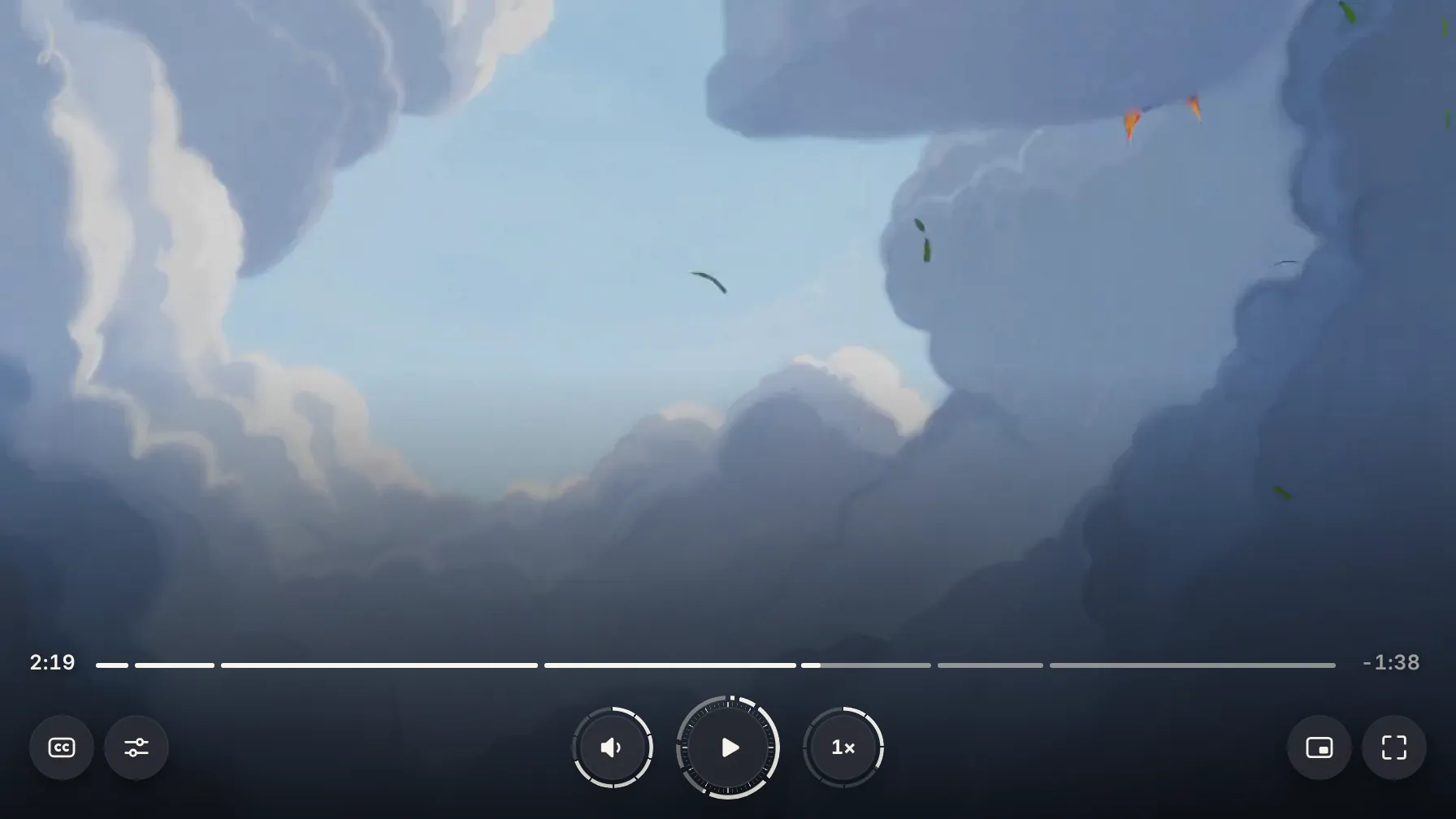
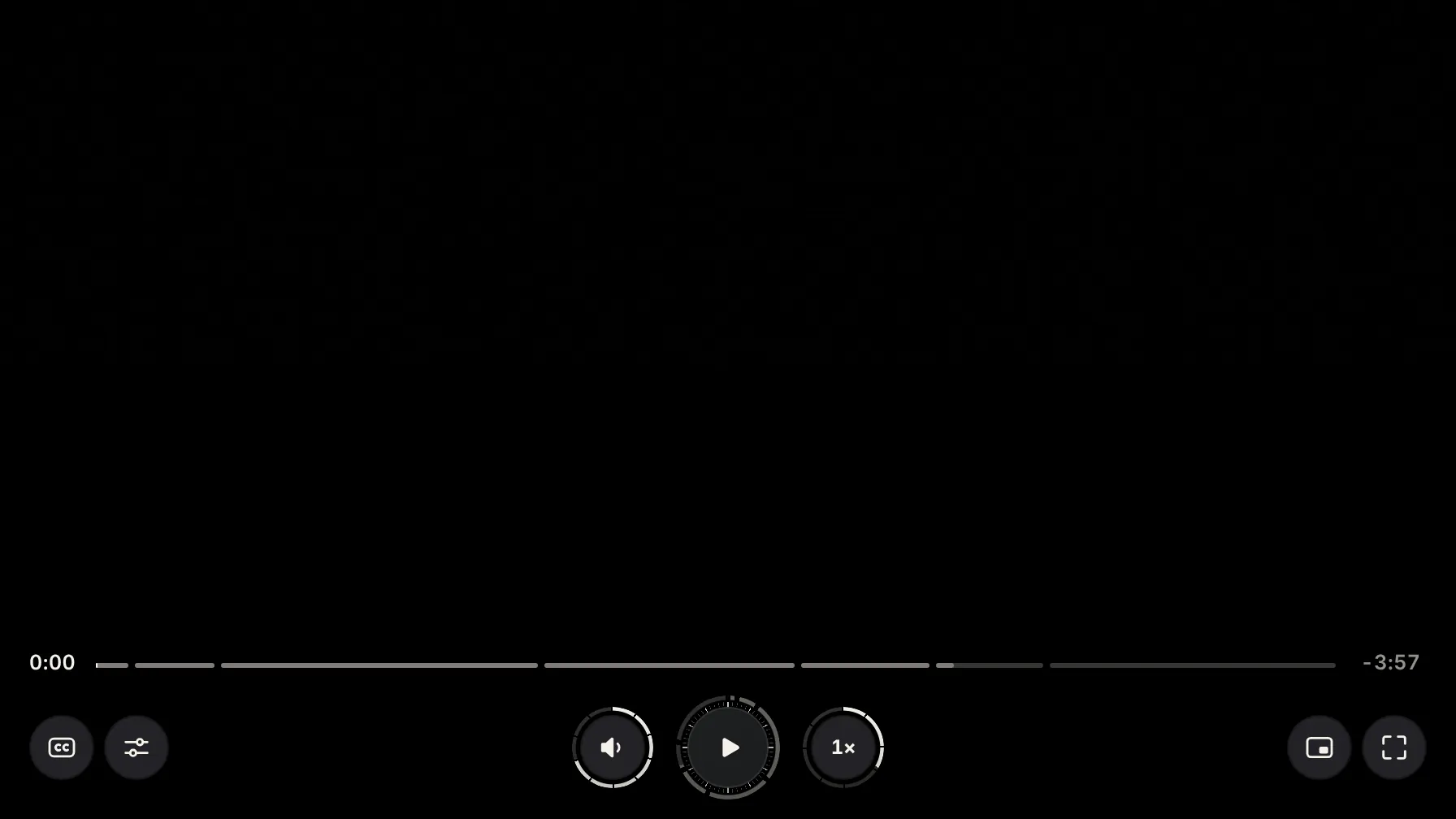
Text and icons sit on dark frosted surfaces, never straight on the picture. They read the same over a bright sky and a black frame. Drag to compare.
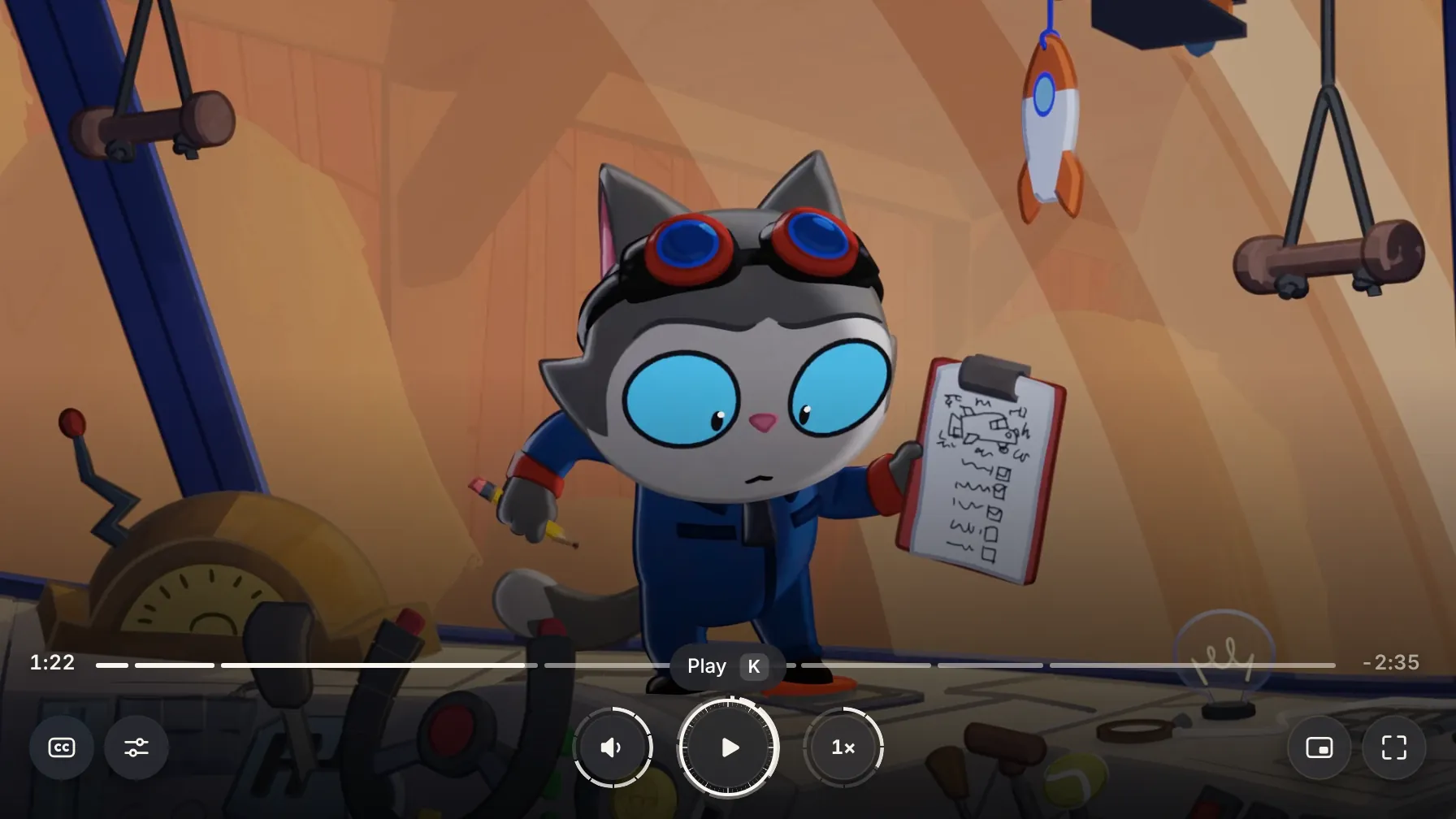
Press Tab and a white ring with a dark halo marks your place on any frame. A tap or click leaves no ring behind.
Tab reaches every control in the order you see them. Arrow keys move inside menus and the speed keys, and Esc closes them.
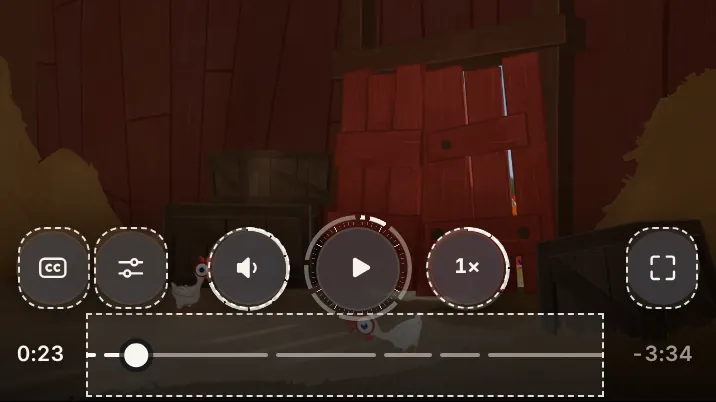
On touch screens every button and the timeline get a touch area of about 44 px, shown dashed here, without changing how they look.
With reduced motion on, rings stop sweeping, the lens blades stay still and the loading ring pulses instead of ticking. Changes fade instead. Try the switch.
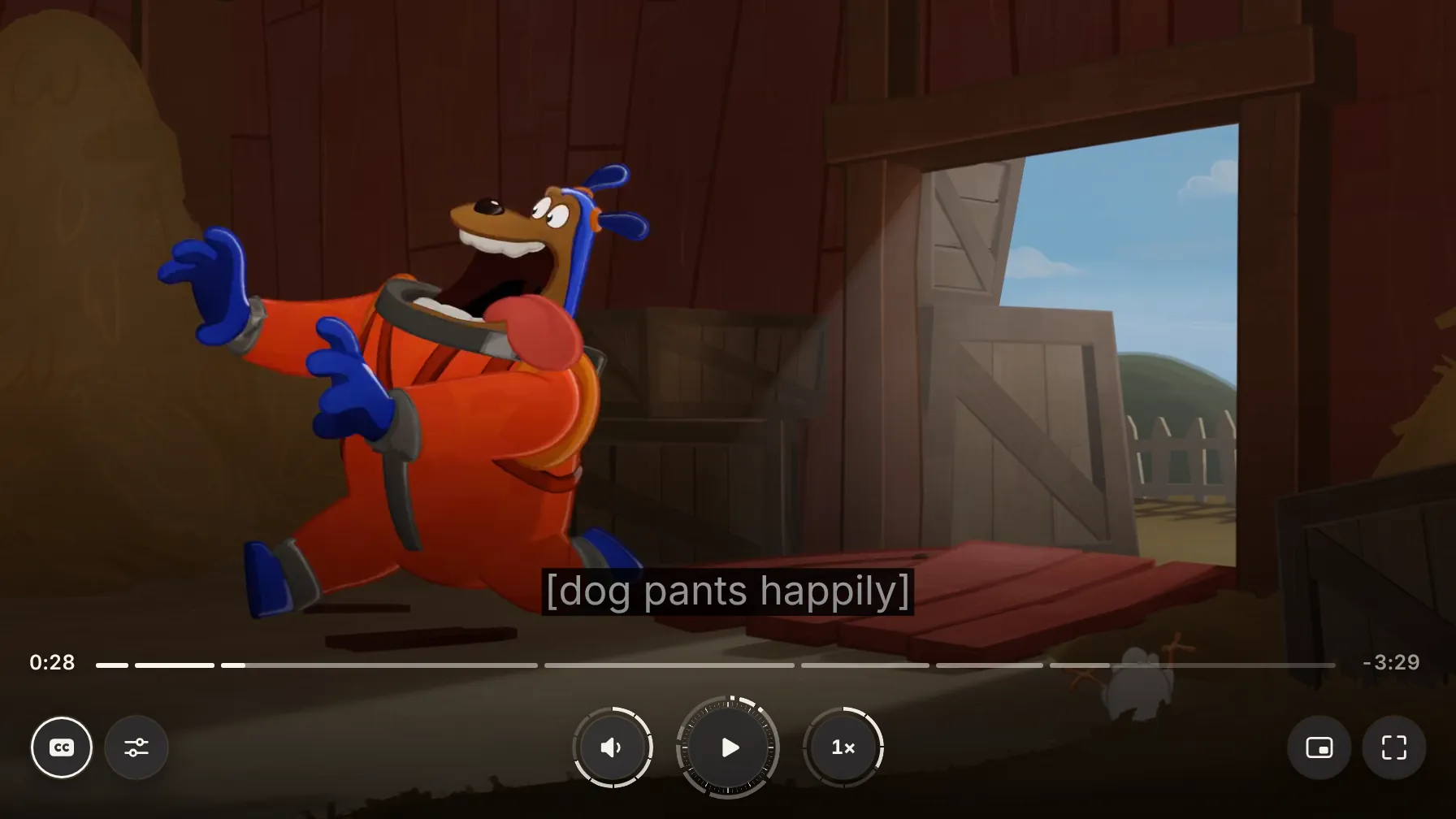
Sound captions timed to the film. They lift above the controls whenever the controls are on screen.
Every control has a name and a state, and changes like pausing or muting are announced.
Tested with axe, with the keyboard alone and with touch at phone size, in Chrome and WebKit.
07Install
Three steps and no build tools. Or take the source and change anything.
<script type="module" src="https://iris-player.netlify.app/iris.js"></script><media-i18n>
<video-player>
<iris-skin>
<mux-video src="https://stream.mux.com/PLAYBACK_ID.m3u8"
playsinline crossorigin></mux-video>
</iris-skin>
</video-player>
</media-i18n>Any Video.js media element works, including a plain <video>.
iris-skin {
  --media-accent-color: #f6f2ea;
  --media-border-radius: 16px;
  --media-scale-unit: 16px;
}
The color and radius follow what you picked in Fits any site.
npx @videojs/cli skin create, and change anything.
No scripts allowed?
Use the iframe embed
For site builders that won’t run scripts. Pass the color and radius in the link, like ?accent=f6f2ea&radius=16.